Remove Yellow Tint from Your AI Images
UnYellowGPT intelligently removes unwanted yellow casts from images made with OpenAI's 4o Image Generation, ChatGPT, Sora, and more. Restore true colors and perfect white balance with a single click.
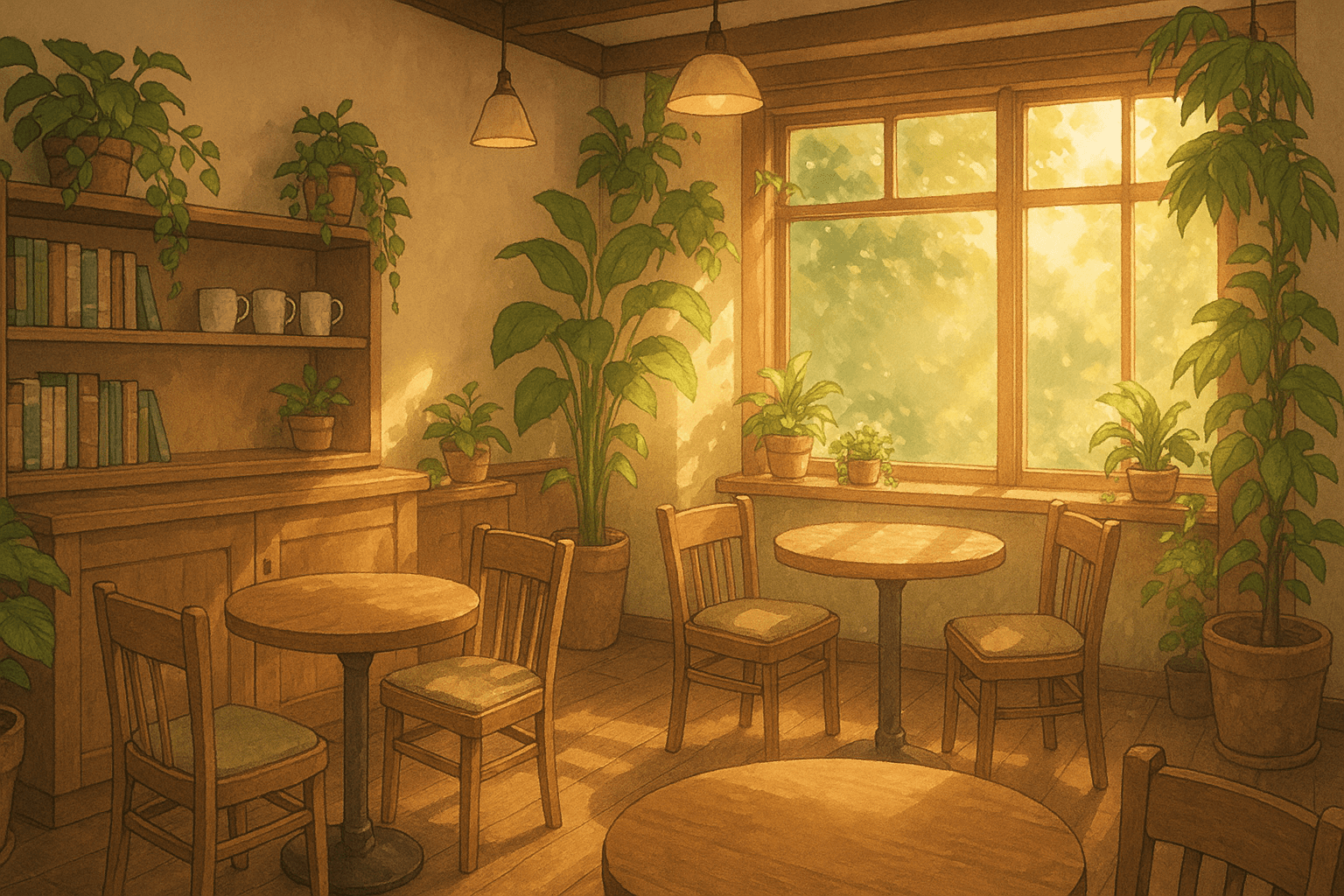 Before
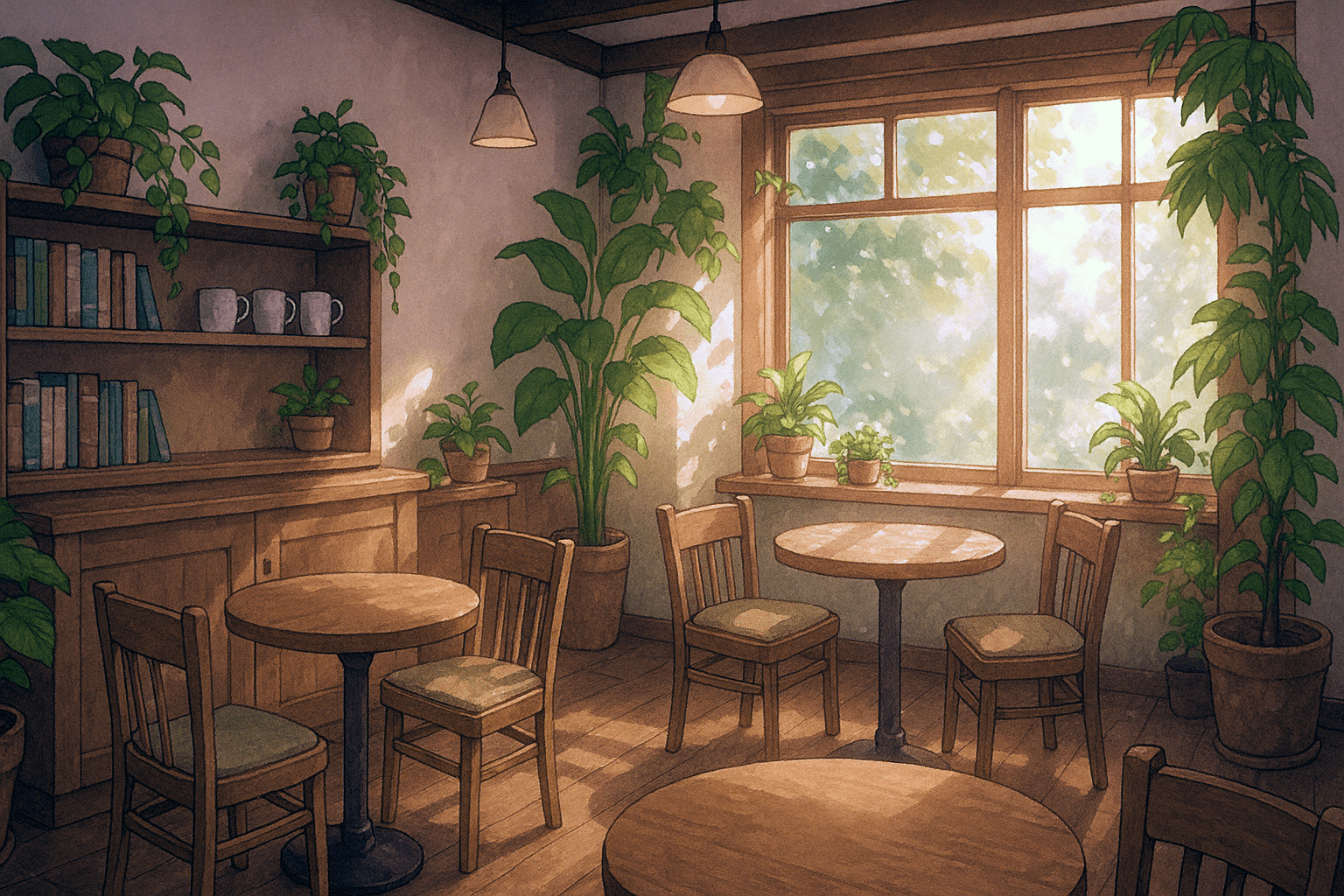 After
AfterFix Yellow Tint in 3 Simple Steps
Getting perfectly color-balanced AI images is quick and easy with UnYellowGPT.
Log In with Google
Quickly log in with your Google account and get 2 free credits to start fixing your yellow images.
Upload Your Images
Upload up to 10 AI images (up to 10MB each) with yellow filter, orange cast, or sepia effect.
One-Click Color Fix
Our AI removes the yellow tint, restoring natural colors and perfect white balance in seconds.
See the Difference
See the dramatic difference UnYellowGPT makes to your AI-generated images.
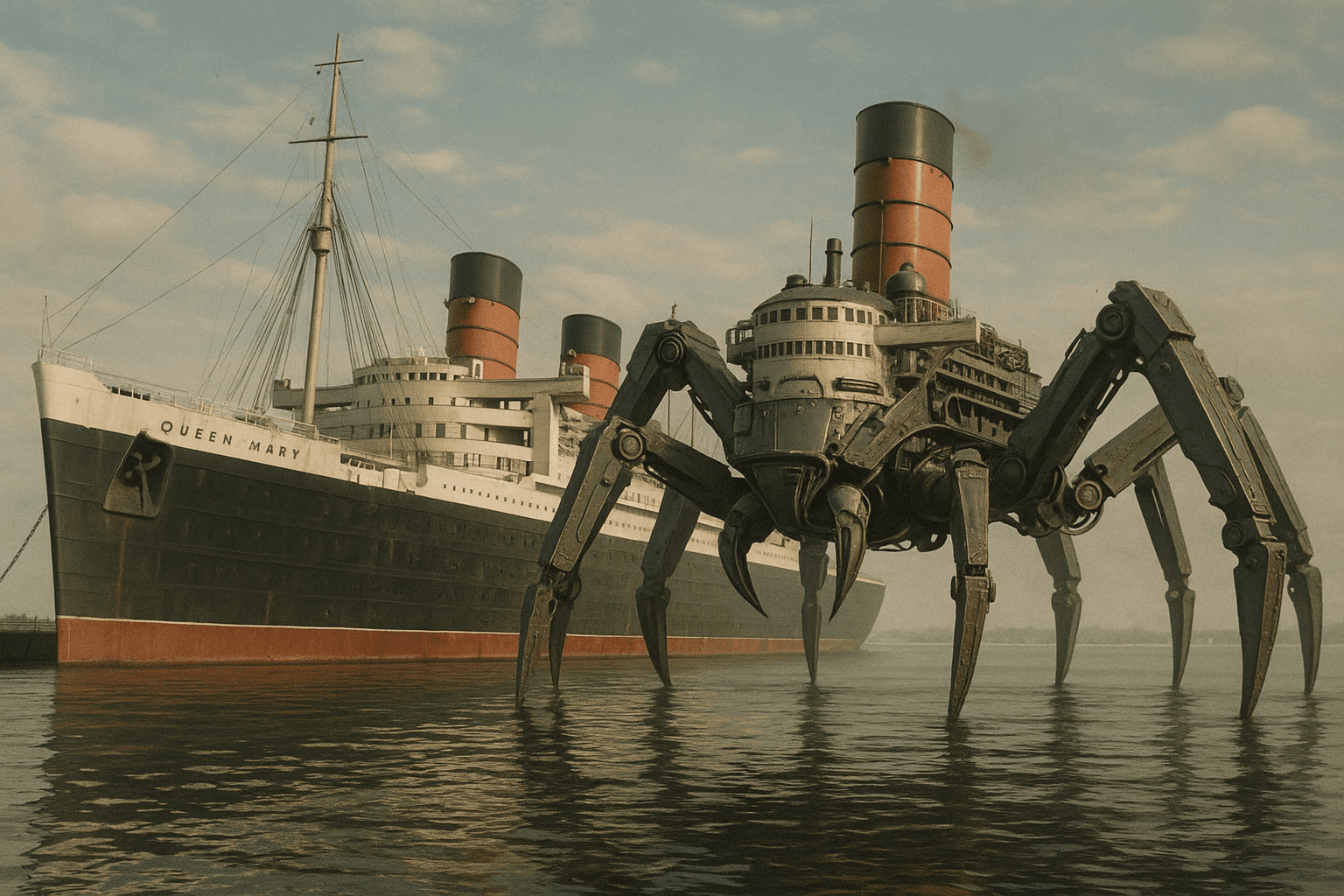 Before
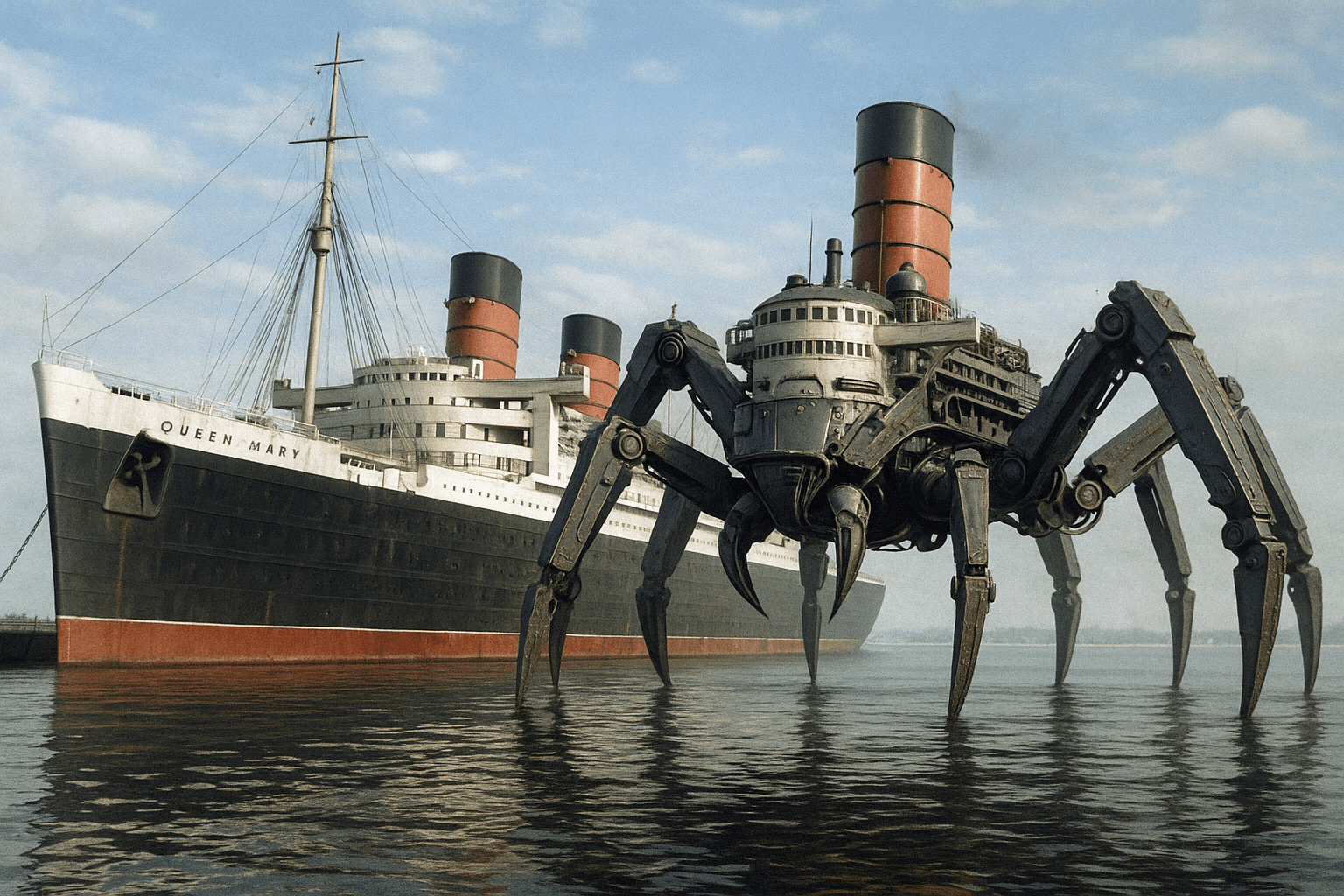 After
AfterSay Goodbye to Yellow Tint
AI tools from OpenAI, like ChatGPT, Sora, and 4o Image Generation, often add a yellow or sepia filter. UnYellowGPT automatically removes this cast, restoring natural colors and perfect white balance.
- One-click automatic processing
- Process up to 10 images at once
- No manual editing needed
Restore True Colors in AI Art
Perfect for both AI art and realistic scenes, UnYellowGPT restores vibrant, true colors to your images. It corrects muddy yellows and sepia tones, delivering crisp, clear visuals with professional quality.
- Compatible with all major AI image models
- Preserves original image quality and details
- Instant and accurate color correction
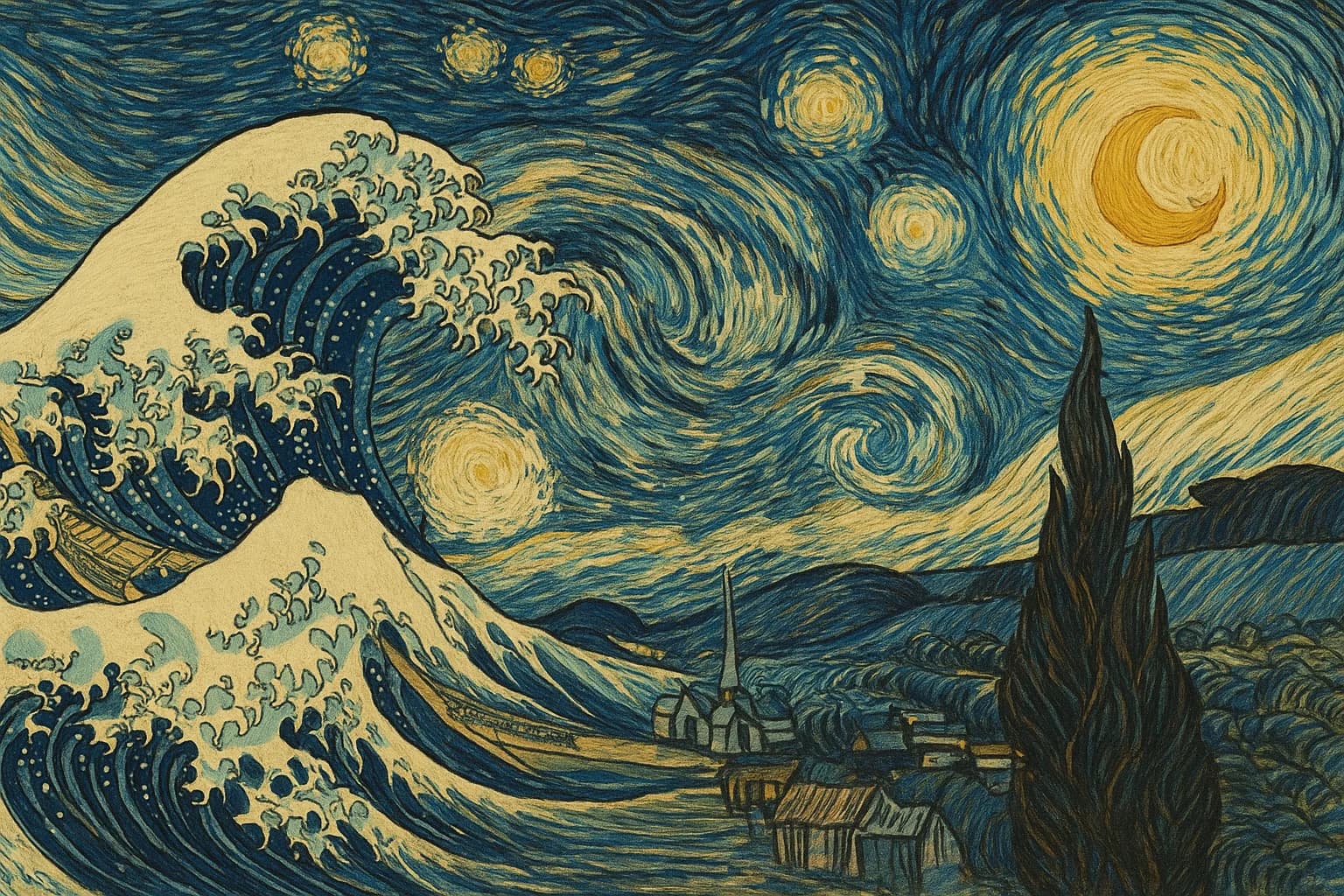 Before
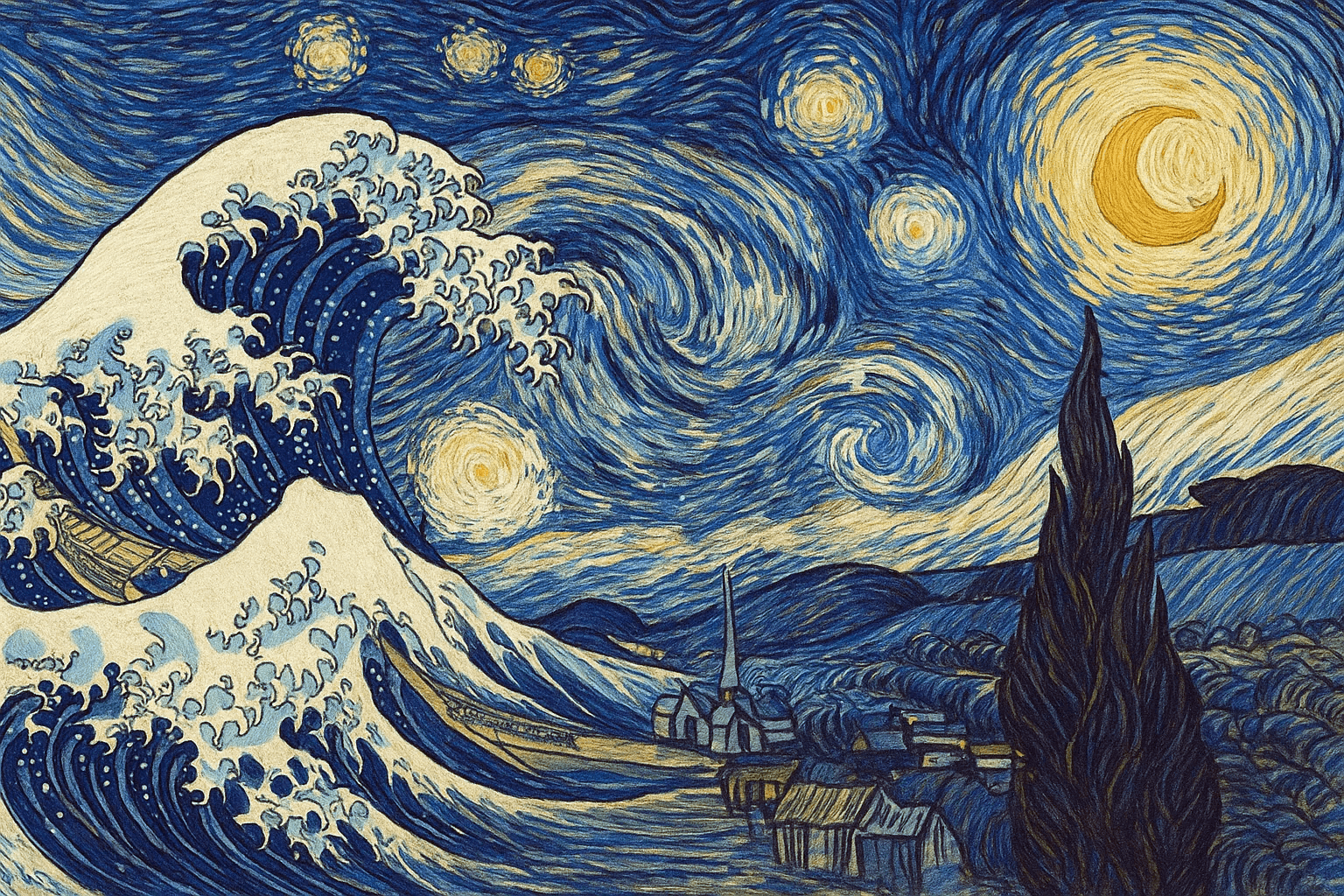 After
AfterWhy UnYellowGPT?
Built specifically to solve the #1 frustration with AI-generated images.
One-Click Fix
Upload your image and our AI instantly corrects the yellow cast. No sliders, no settings, no manual work.
Quality Preserved
Our histogram-based algorithm only removes the unwanted color bias. Every detail, texture, and shadow stays intact.
Batch Processing
Fix up to 10 images at once, each up to 10MB. Perfect for creators who generate large volumes of AI art and need fast turnaround.
Works with Any AI Tool
ChatGPT, DALL-E, Sora, Google Imagen, Midjourney and more. If it has a yellow tint problem, UnYellowGPT fixes it.
Results in Seconds
No waiting around. Upload your image and get a perfectly color-corrected version back in under 2 seconds.
Free to Start
Sign up and get 2 free credits instantly. No credit card required, so you can try it on your tinted images right now.
Frequently Asked Questions
Got questions? We've got answers.
Ready to Fix Your AI Images?
Join thousands of creators who use UnYellowGPT to restore true colors in their AI-generated images.