Free Collage Maker
Combine up to ten photos into one image. Choose a layout, set the spacing and background, and download. The preview updates as you go.
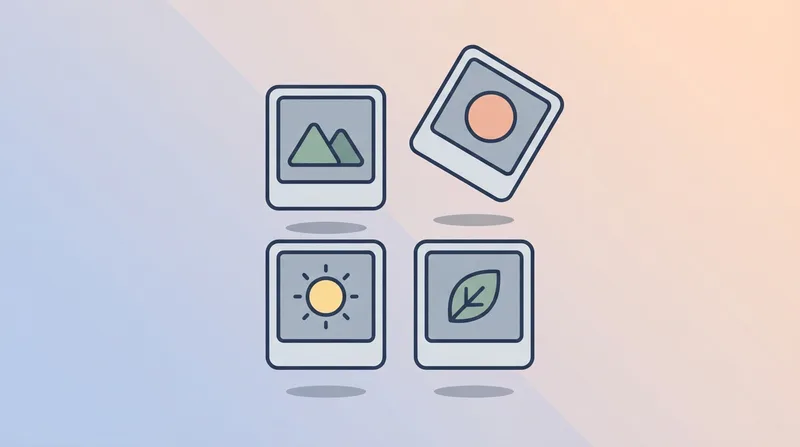
Choosing a layout
The column layouts suit sets of similar photos, where no single image is the point and an even grid reads as one piece. Two columns give each photo room; four turn them into a contact sheet, which works when they are variations on one subject.
The 1 + 2 layout does the opposite job. It makes the first photo the subject and the other two supporting detail, which is the right shape for a before-and-after plus a close-up, or a portrait beside two candids. Reorder the photos to change which one gets the large cell.
Spacing changes the character more than people expect. Zero reads as a single panoramic image; ten to twenty pixels reads as a deliberate grid of separate photos.
Before you post it
A collage of ten photos is a big file, and most upload forms and email attachments have limits. Run the result through our Image Compressor if it needs to be lighter, or the Image Resizer to crop it to a square for Instagram or a 16:9 for a slide.
Note that the collage carries no metadata from the photos that went into it. Canvas only ever sees decoded pixels, so the camera details, GPS coordinates, and timestamps of the originals are all left behind.
Fix the yellow tint while you are here
- One-click yellow tint removal
- Fix up to 10 images at once
- Results in under 2 seconds
- 3 free credits on signup
Frequently asked questions
- How many photos can I combine?
- Up to ten. Every layout takes any number up to that, and the final row spreads out to fill the width so the collage is always a complete rectangle rather than a grid with a hole in the corner.
- Why are my photos cropped?
- Each photo is center-cropped to fill its cell, because a collage with letterboxed gaps around mismatched shapes looks broken. Portrait and landscape photos in the same grid will therefore lose some of their edges. Reorder them, or pick a layout whose cells better match their shape.
- Are my photos uploaded anywhere?
- No. Everything is drawn on a canvas in your browser, so the photos never leave your device. That makes it safe for family pictures and client work alike.
- What file do I get?
- A JPG at 1600 pixels wide with a white or black background, or a PNG if you choose the transparent background, since JPG cannot store transparency.